
RayLauncher
launcher for Minecraft
About
Your customization
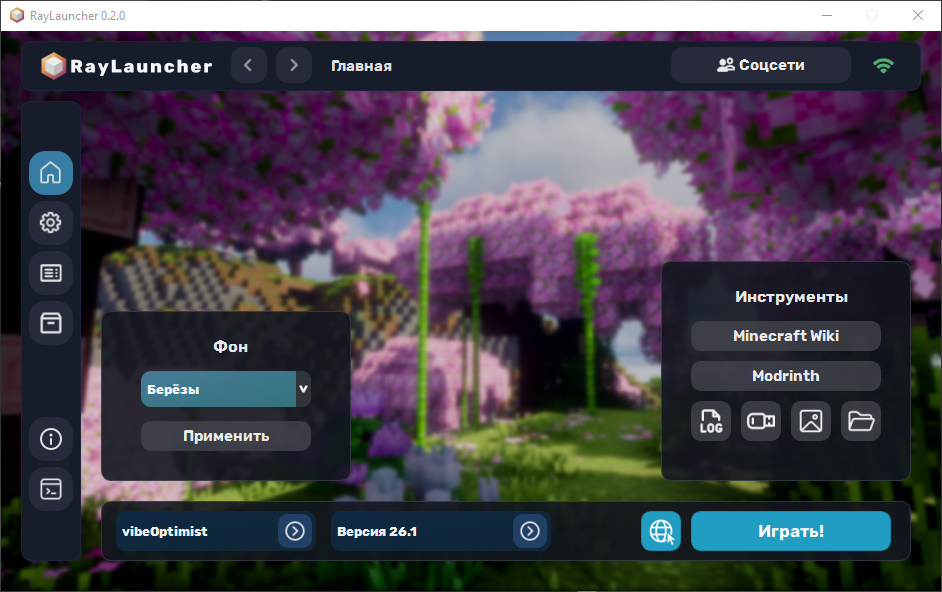
Use different backgrounds or set your own. The background will be different every time you launch the launcher, so you can experience more unique emotions every time you start it!
Three-click builds
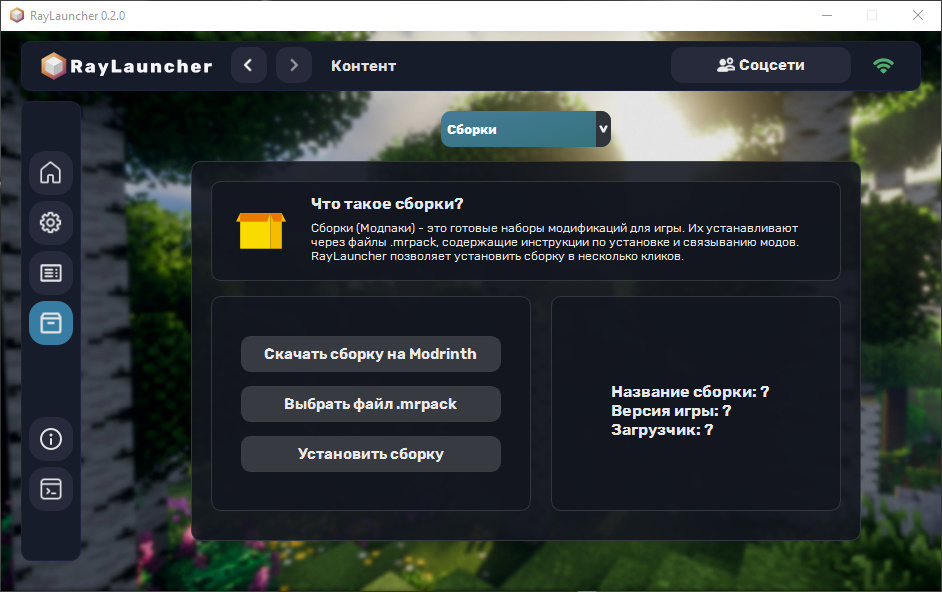
Install any .mrpack build in just a few clicks. These files can be downloaded from Modrinth, but they require the Modrinth App and a Minecraft license. It's all free here!
Faster Legacy Launcher
Our launcher weighs and consumes resources 2 times less than Legacy. Using Python, smart compilation to C, and up-to-date libraries speeds up the launcher. Stable and stylish!
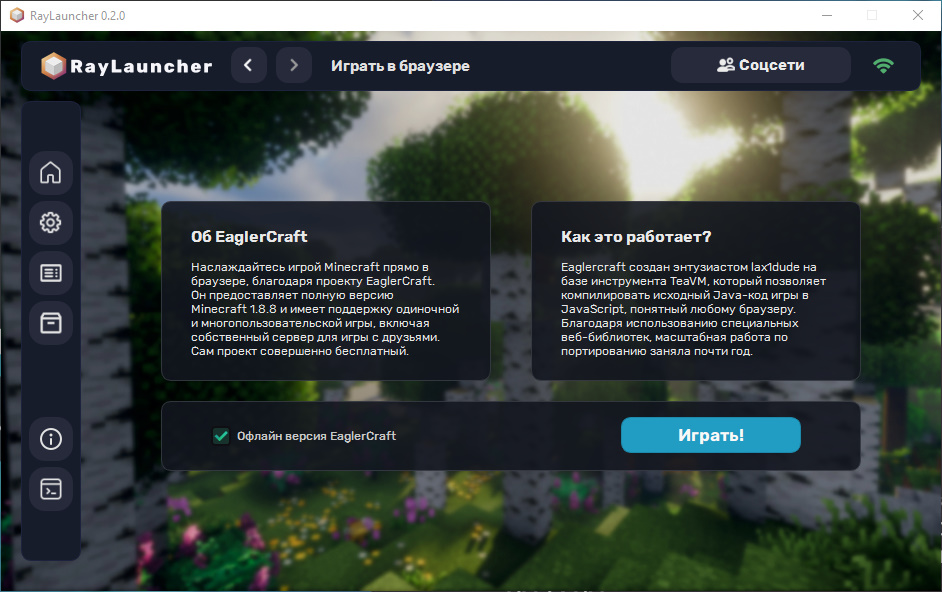
Play in the browser
Play your favorite Minecraft right in your browser, Chrome, Firefox, or even Brave. Play the good old version of the game in a single browser tab.
FAQ
Is it free?
Yes, you can play cozy. The launcher will not contain paid features or a subscription model. The program is completely free.
Does the launcher contain viruses?
No, despite the lack of Open Source, it is completely clean. There is a VirusTotal scan.
Which OS is needed?
The launcher works only on Windows 8/8.1/10/11. There will be no support on Apple devices or old Windows 7, but on Linux it is possible...
How to download?
It's simple, just click on the "download" button and you'll get a regular installer. For convenience, you can download it by clicking here.
Can I use my own Java?
Yes, you need to know the correct Java versions for the Minecraft versions and specify the Java path in the launcher's startup screen or settings.
How much RAM is required?
For the launcher, extremely little - 1 GB is more than enough, but for a comfortable game in Minecraft, a minimum of 2 GB is required.
Who is the author?
The author of the launcher - Danila, you can write and ask questions to me in Telegram. Optionally, you can help the project on our Discord server.
Download
Download launcher on Windows 8/8.1/10/11
Download